Every week I have a version of the same conversation. A business owner tells me they want to automate. Great — I genuinely love hearing it. So I ask how they currently track their orders, their inventory, their client history. And they pull out a notebook.
You cannot automate a notebook.
This is the conversation I have been having for years, and I will keep having it until the point lands. Automation is not a button you press. It is the third step in a sequence. And most businesses haven't started step one.
The reality most businesses won't admit
Let me be direct about where most businesses actually are in 2025. There are two camps, and neither is ready to automate anything.
Camp one: paper. Invoices on paper. Purchase orders on paper. Inventory counts written in a notebook at the end of the day. Sometimes the notebooks are color-coded by month, which I genuinely respect as a commitment to the bit — but it's still paper. The data exists nowhere searchable, nowhere queryable, nowhere useful.
Camp two: Excel. Dozens of spreadsheets, all maintained manually, usually by one person, who is the only person who knows which file has the real numbers. When that person is sick, the business holds its breath. When that person leaves, the business loses a year of institutional knowledge stored in a file called Final_v3_ACTUAL_USE_THIS_ONE.xlsx.
Neither of these is automation. Neither of these is close.
The path from paper to automation has three steps. They have proper names. Most people try to skip to step three and then wonder why nothing works.
Stage 1: Digitization — get it off paper
Digitization is the least glamorous word in this conversation. It means one thing: take what exists on paper — or in someone's head — and put it somewhere structured and digital. A database. A proper system. Something that captures what is happening as it happens, not hours later when someone remembers to write it down.
That is it. No AI. No automation. No dashboards. Just: do we have the data? Can we find it? Is it accurate?
It sounds like a low bar. It is not cleared by most businesses I walk into.
I have worked with companies doing millions in revenue that cannot tell me their current inventory count. Not approximately. Not a rough number — they genuinely do not know. The sales team thinks they have stock. The warehouse says they ran out last week. Nobody updated anything because there was nothing to update. The data does not exist in a usable form.
You cannot build anything useful on top of that. Step one is not optional.
Stage 2: Digitalization — make the data actually work
Here is where the Excel crowd tends to stall. They have digitized. The data exists somewhere digital. But they are still spending every Monday morning copying numbers from one spreadsheet into three others. Still emailing someone to ask what the current stock level is. Still generating invoices by hand because nothing talks to anything.
Digitalization means your processes change because the data is digital — not just that the data moved from paper to screen. A sale should update inventory automatically. A purchase order should create a payable without someone retyping it. A customer inquiry should appear in your pipeline without a human acting as a relay between a web form and a spreadsheet.
The test is simple: are humans in your operation moving data, or making decisions? If your team spends meaningful time copying information from one system to another, you have not digitalized. You have given paper a different texture.
The spreadsheet is a starting point. The day it becomes permanent infrastructure is the day it becomes a liability.
This stage takes real work. It usually means adopting actual software — an ERP, a CRM, a proper inventory system — and redesigning how your processes flow around it. It is not exciting. It is also completely necessary.
Stage 3: Automation — now remove the human from the loop
Now we are talking.
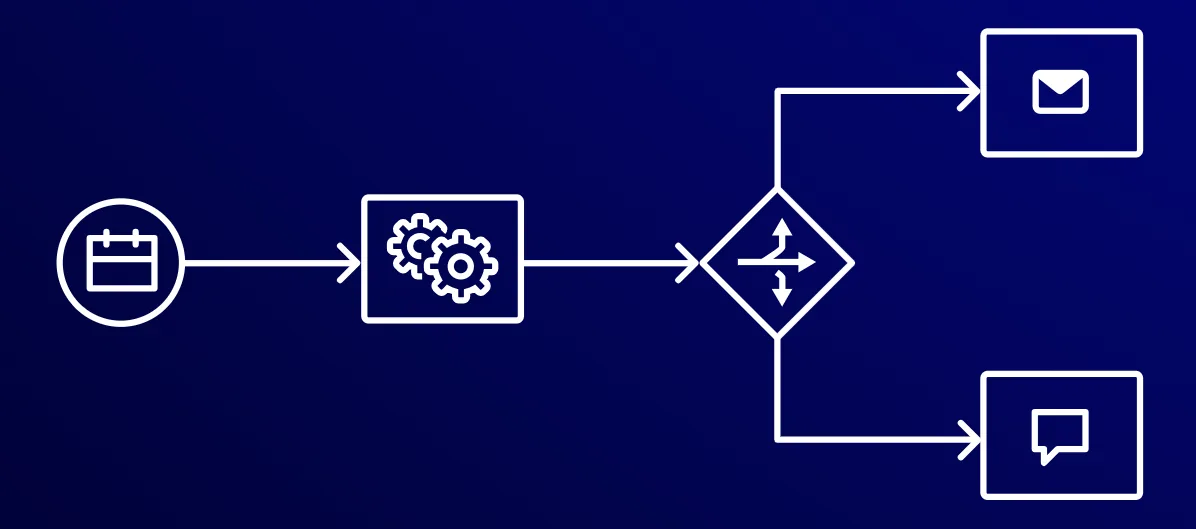
Automation is what you get to do after the first two stages are solid. And it is genuinely transformative when it is done right. The reports generate themselves. The follow-up emails go out without anyone remembering to send them. The purchase order triggers automatically when stock hits the reorder threshold. The invoices are ready before the client asks.
I am not being sarcastic when I call this the reward. I mean it. Good automation changes the texture of work in a way that is hard to describe until you have lived it.
But here is the thing — and this is the hill I will die on:
Automation on top of broken processes does not fix the processes. It makes the broken parts happen faster.
I have seen businesses try to automate their invoicing while their inventory data is two weeks out of date. I have seen automated reports that confidently deliver wrong numbers every morning at 8am, to everyone's inbox, with nobody questioning them because the computer said so. I have seen automated customer follow-ups go out referencing orders the customer never placed, because the data underneath was a mess.
Automation is an amplifier. Good processes become faster. Bad processes become a larger, faster-moving problem. There is no shortcut past stages one and two.
Where to start
The question I get most is: "Which system should we buy?" It is usually the wrong question. The right question is: where in our current operations is a person doing something a system could do — if we had the data in order?
That audit is your starting point. Pick one process. Trace it from beginning to end. Find every moment where a human is involved because there is no system to handle it — moving data, reminding someone, copying something, manually checking something that should be automatic. That is your map of what needs to change and in what order.
Then, and only then, start talking about tools.
The businesses that get automation right are not the ones who bought the most sophisticated software. They are the ones who did the boring work first — got the data real, got the processes logical — and then had something worth automating.